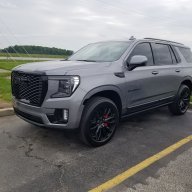
What is this symbol on camera screen?

Disclaimer: Links on this page pointing to Amazon, eBay and other sites may include affiliate code. If you click them and make a purchase, we may earn a small commission.

Stbentoak

Full Access Member
Joined
Jul 20, 2020
Posts
2,270
Reaction score
2,764
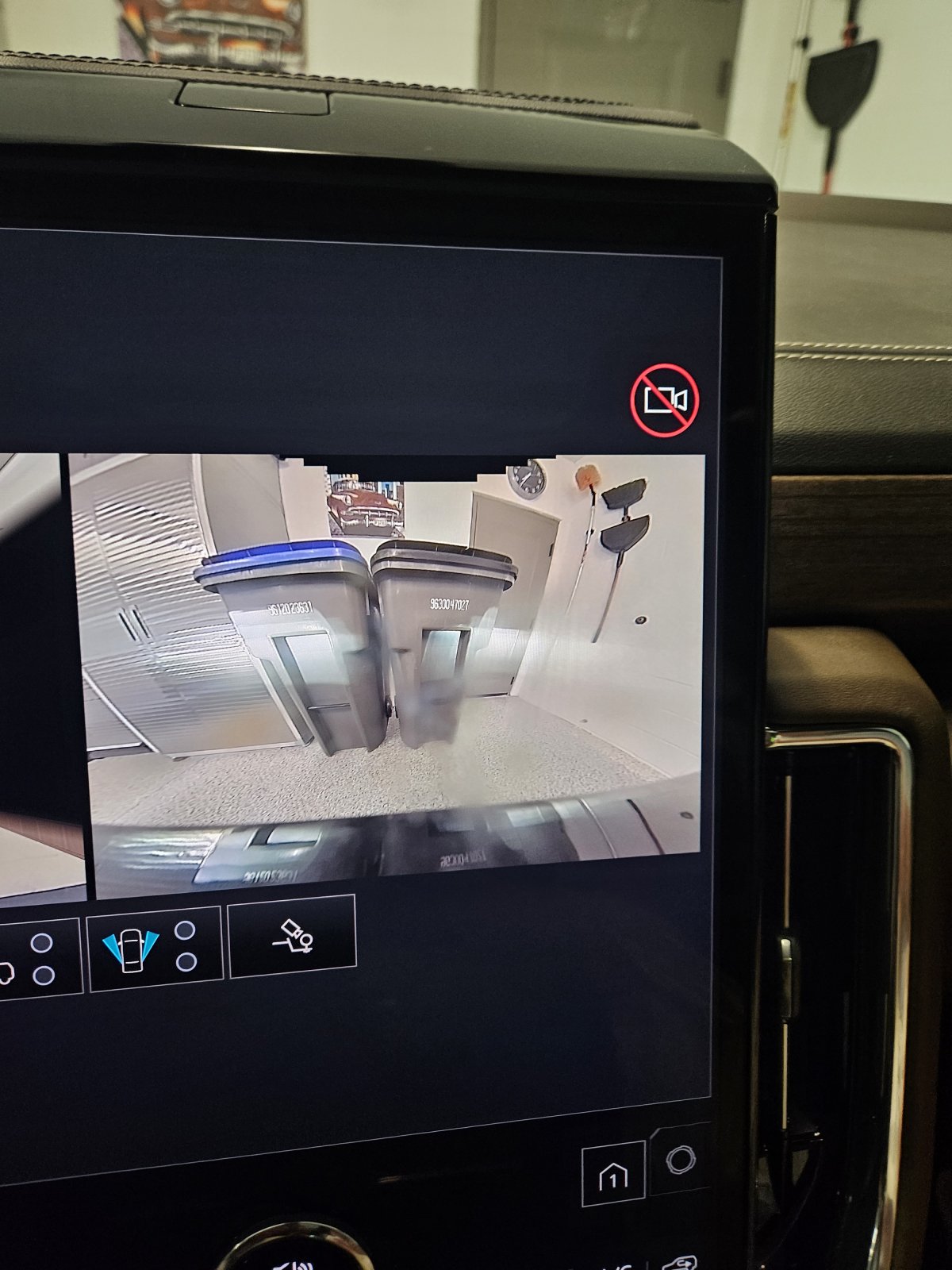
No camera available? Seems to be working fine, just started seeing this today on the 25. Did an update about 2 days ago....
1000012846.jpg
 
OP
OP
Stbentoak

Stbentoak

Full Access Member
Joined
Jul 20, 2020
Posts
2,270
Reaction score
2,764
that symbol typically means unable to record, or recording is disabled or not allowed.
I believe that this is it. I just did an upgrade a couple days ago and I bet it could have incorporated the recordable driving camera software. Whether that is actually available or not may have to be investigated. Having a front recording driver camera, it would always be a benefit if it kept say two weeks worth of data cycling through....
 

Doubeleive

Wes
Supporting Member
Joined
Nov 7, 2017
Posts
30,698
Reaction score
48,333
Location
Stockton, Ca.
I believe that this is it. I just did an upgrade a couple days ago and I bet it could have incorporated the recordable driving camera software. Whether that is actually available or not may have to be investigated. Having a front recording driver camera, it would always be a benefit if it kept say two weeks worth of data cycling through....
I think you have to use a thumb drive for recording on these
 
OP
OP
Stbentoak

Stbentoak

Full Access Member
Joined
Jul 20, 2020
Posts
2,270
Reaction score
2,764
I think you have to use a thumb drive for recording on these
I think it's been discussed before but it I could just add a thumb drive and record on the front camera ...I'd be interested in how that would operate and what I'd have to do to enable it.....
 

Jus Cruisin

Member
Joined
Jun 8, 2026
Posts
41
Reaction score
54
Location
Metro Detroit
I think it's been discussed before but it I could just add a thumb drive and record on the front camera ...I'd be interested in how that would operate and what I'd have to do to enable it.....
From what I have read and seen on some YouTube videos. It's recording surround vision (front sides and rear). A thumb drive is needed.


Doubeleive

Wes
Supporting Member
Joined
Nov 7, 2017
Posts
30,698
Reaction score
48,333
Location
Stockton, Ca.
I think it's been discussed before but it I could just add a thumb drive and record on the front camera ...I'd be interested in how that would operate and what I'd have to do to enable it.....
according to google, it says 2025-26 but it's possible it could have rolled out to other T2's
  • How It Works: Once enabled, plugging a user-supplied USB drive into the designated data port allows the system to record driving trips in continuous video loops.
  • Security Recording: On supported vehicles, it also features a security mode that triggers a 30-second recording from all available cameras (including the interior camera) if the vehicle's alarm goes off while parked.
  • How to Get It: On select 2025–2026 models where the Recordings app isn't already visible on the screen, the feature requires a specific software update (often serviced via a dealer update or technical service bulletin depending on the exact build).
 

Forum statistics

Threads
138,035
Posts
1,997,524
Members
102,972
Latest member
mudrunnerz
Back
Top